Finance & Operations
Your ERP stock and orders, visible to the assistant and your store
Acumatica ERP connects one tenant with a guided setup and a one-click test. Stock by warehouse, sales orders, shipments, kits, and customers show on the dashboard and are available to the assistant. Other modules react when a record changes, so a store listing can update when stock drops. Write-back is off by default.
Best for: Businesses running Acumatica who want ERP facts in their store, assistant, and reports.
The five things Acumatica ERP does for you
1
Inventory and orders in view
Stock items by warehouse, sales orders, shipments, kits, and customers.
2
Ask the assistant ERP questions
How many of a SKU are in a warehouse, or what is on an order.
3
Other modules react to changes
A store listing's stock can update when Acumatica inventory drops.
4
Changes seen in seconds
Push notifications with polling as a safety net.
5
Write-back only if you say so
Off by default and requires explicit opt-in.
How you use it
You say to Claude or ChatGPT
“How many of the black frames are in the east warehouse and what is on order SO000123?”
What comes back
- Inventory and orders in view. Stock items by warehouse, sales orders, shipments, kits, and customers.
- Ask the assistant ERP questions. How many of a SKU are in a warehouse, or what is on an order.
- Other modules react to changes. A store listing's stock can update when Acumatica inventory drops.
Works with
Modules that pair well with Acumatica ERP.
AI Assistant
Private chat grounded in your own data, with sources. Set its voice, control what it does, and approve every change it prepares.
BigCommerce
Orders and customers by webhook, one-search customer context, automatic attribution and lifetime value, and server-side checkout fees.
Pixel Analytics
Your own visitor and order data. See who is buying, group customers by behavior, send verified sales to your ad platforms, and get full reports.
Communications Center
Email, support tickets, and social comments in one shared inbox. AI drafts replies in your voice, and you decide what sends itself.
Workspace MCP
Connect your own assistant to Orkie. Ask questions, change ad budgets with one yes, match videos to products, and handle email.
Make it yours
Customize the workspace.
Acumatica ERP is one module. Add the others you need, talk to all of them from Claude or ChatGPT, or ask for one that does not exist yet.
Connect Claude or ChatGPT
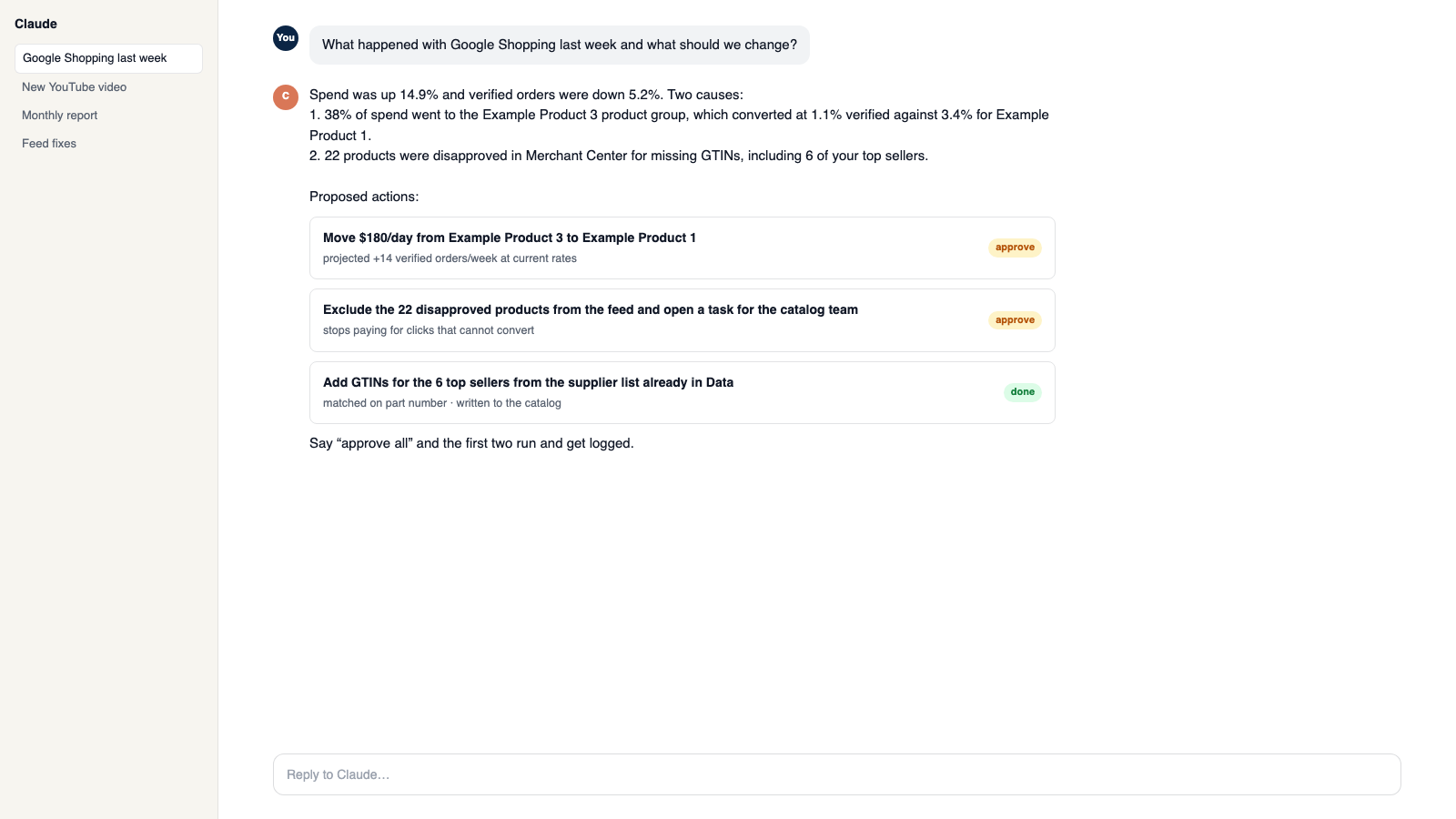
Talk to the workspace in plain English. Ask for reports, changes and builds. Everything it changes waits for your yes.
Add modules from the catalog
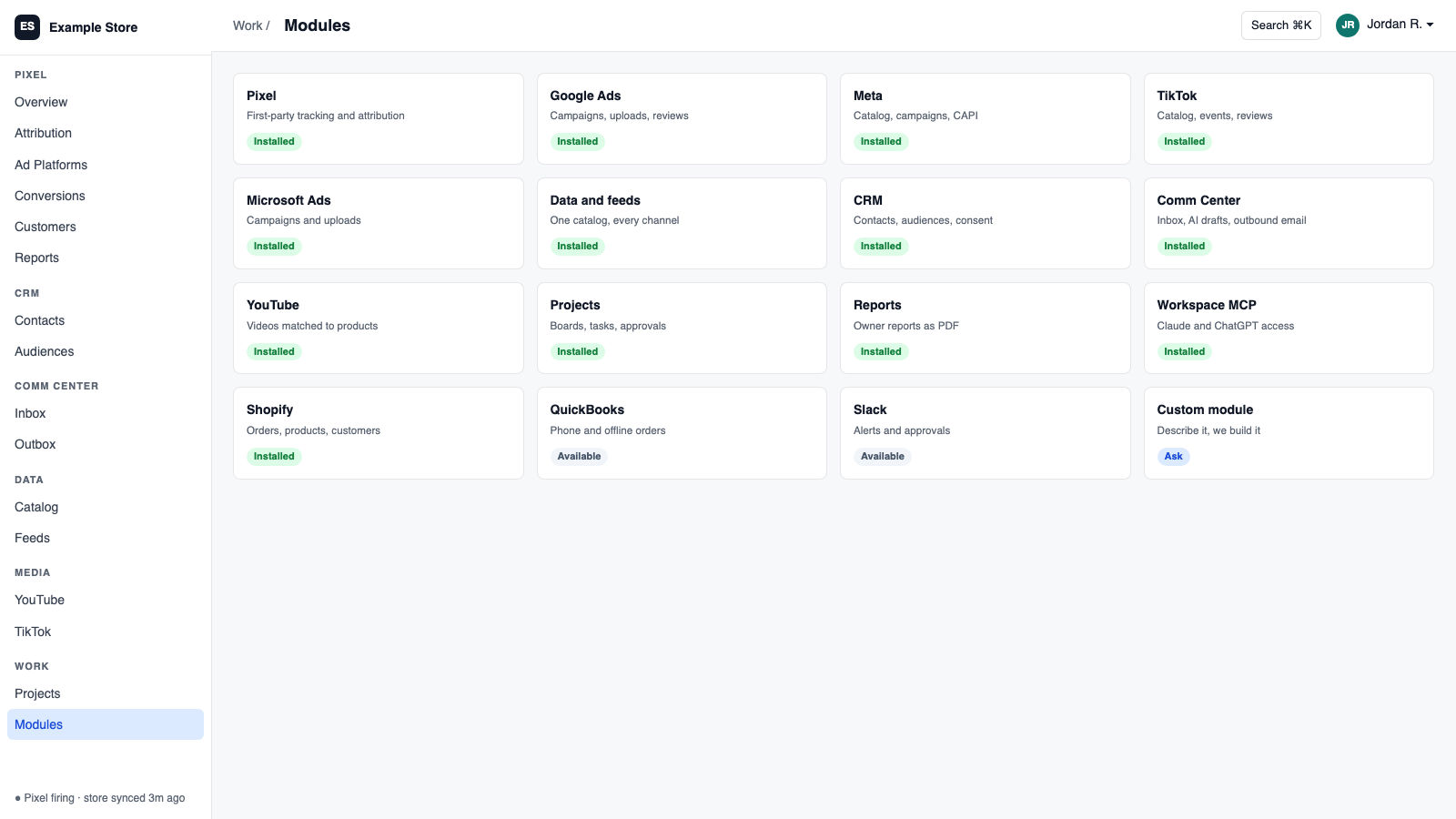
Pixel, ads, feeds, email, CRM, inbox, video, finance. Install what you need; each one shares data with the rest.
Build a custom module
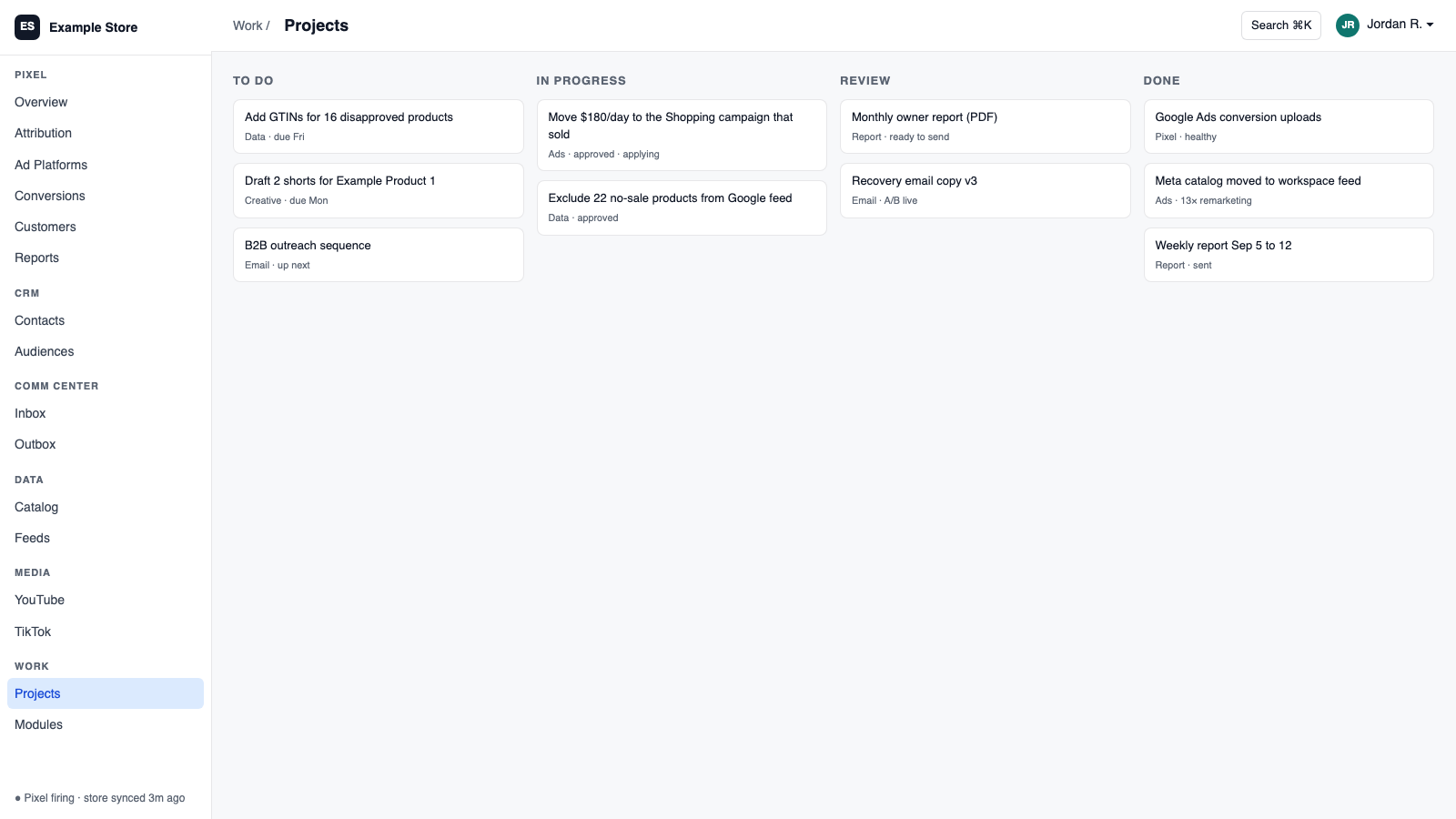
A dealer portal, a fitment checker, an ERP link, your own Shopify app. Describe it and it gets built into your workspace.
Questions
About Acumatica ERP
Can the assistant see everything?
It sees reviewed fields only, never tokens or raw data.
Will it change my ERP?
Not unless write-back is turned on and rights are granted.
What if push notifications stall?
Polling continues every 15 minutes as a backup.
See Acumatica ERP on your own data.
Talk to us and we will show this module running on your business, not a sample account. Call 1-877-ORKIE-15.