CRM & Audiences
Spot your best prospects and follow up with them at the right time
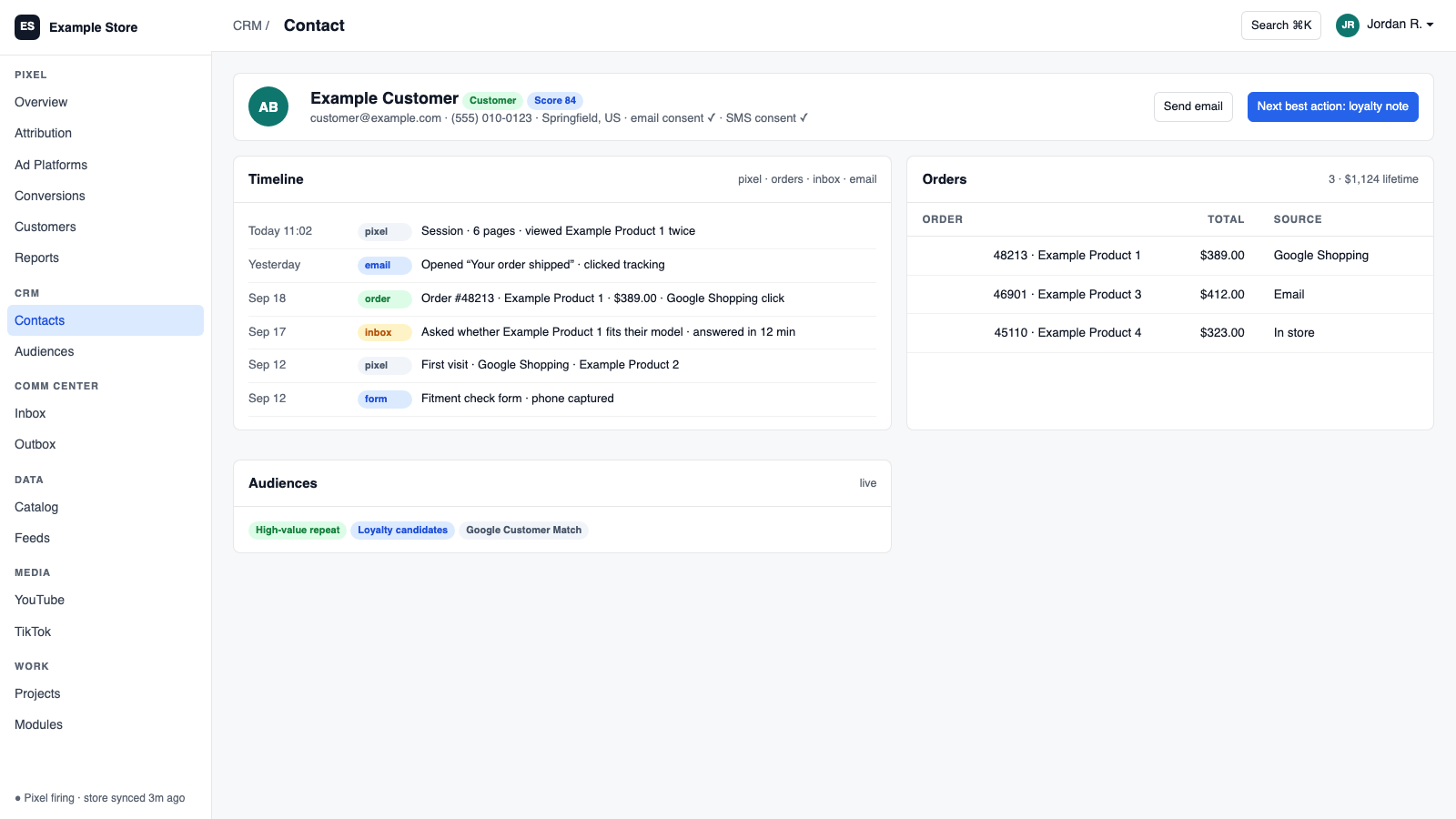
CRM gives every contact one record with site activity, orders, conversations, and consent. It scores leads, moves people through lifecycle stages based on what they did on your site, builds audiences you can email or send to ad platforms, and tracks deals and follow-ups. Every send is approved by a person.
Best for: Businesses that want one honest customer list and want to follow up based on real behavior, not guesswork.
The five things CRM does for you
1
Finds your good prospects
Lead scores, relationship ratings, and lifecycle stages promote people who viewed products, started carts, or filled a form.
2
Acts on what they did on your site
Ready-made audiences like open cart, abandoned checkout, lapsed, VIP, and repeat buyer are built from Pixel and store activity.
3
Emails them with consent checked
Send to an audience through the Communications Center. Consent and suppressions are re-checked the moment before it goes out.
4
Shows the whole customer story
One card with sessions, pages, carts, orders, returns, notes, and conversations, live from every connected module.
5
Tracks deals and follow-ups
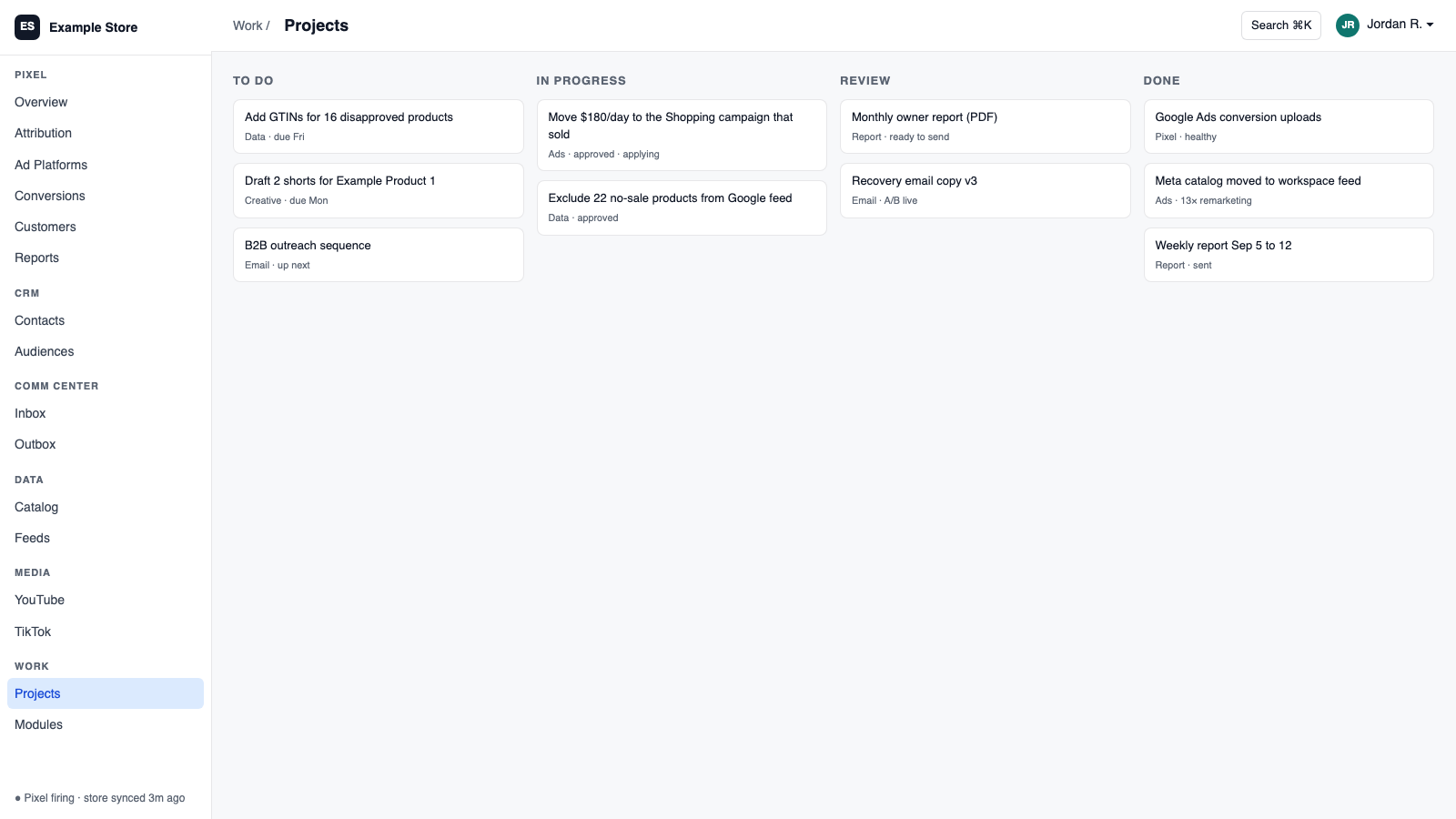
A pipeline with weighted forecasts, stale-deal alerts, and follow-up tasks created in Projects.
How you use it
You say to Claude or ChatGPT
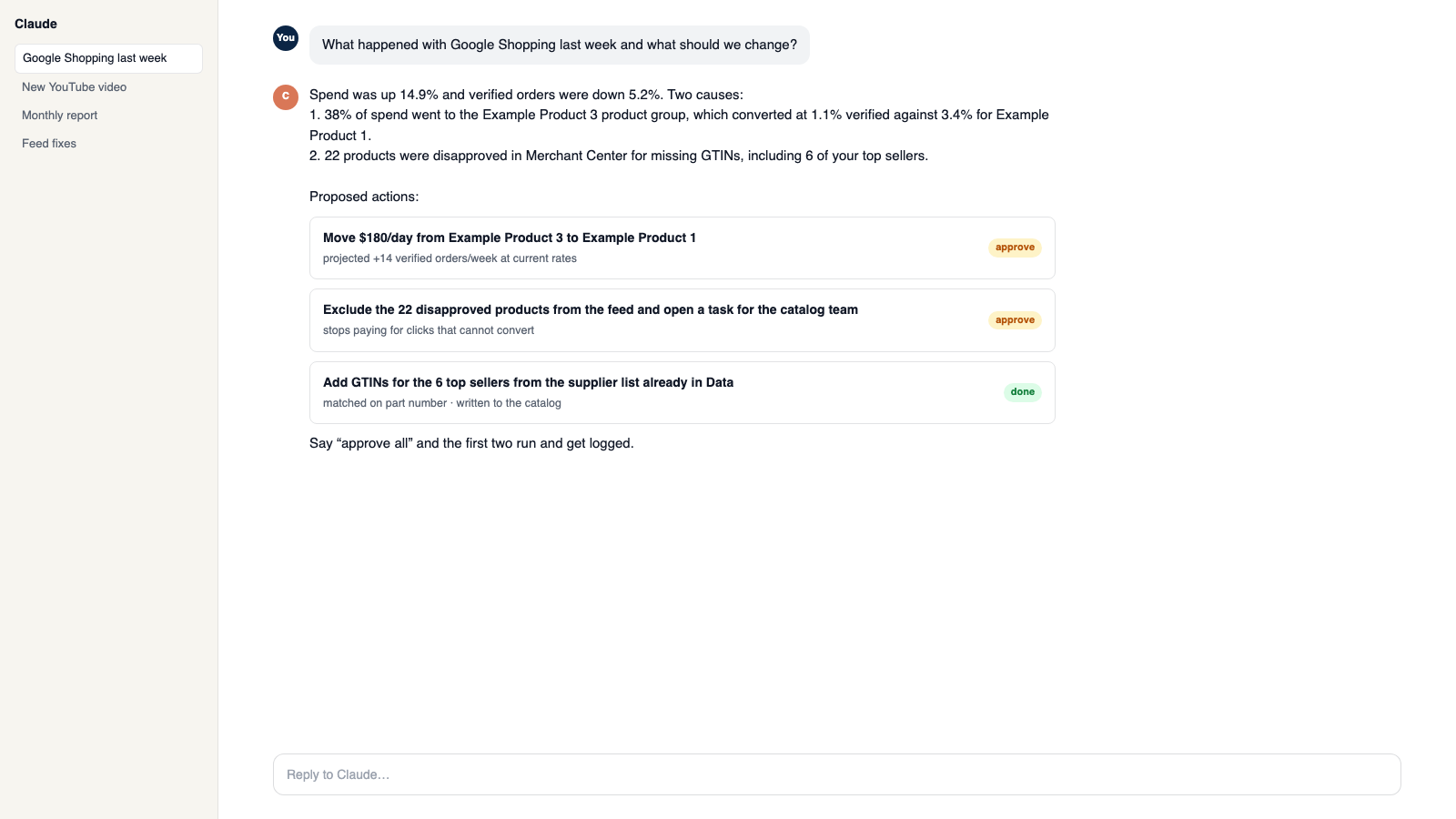
“Find everyone who abandoned a checkout this week and get an email ready for me to approve.”
What comes back
- Finds your good prospects. Lead scores, relationship ratings, and lifecycle stages promote people who viewed products, started carts, or filled a form.
- Acts on what they did on your site. Ready-made audiences like open cart, abandoned checkout, lapsed, VIP, and repeat buyer are built from Pixel and store activity.
- Emails them with consent checked. Send to an audience through the Communications Center. Consent and suppressions are re-checked the moment before it goes out.
Works with
Modules that pair well with CRM.
Pixel Analytics
Your own visitor and order data. See who is buying, group customers by behavior, send verified sales to your ad platforms, and get full reports.
Shopify
Orders and customers in real time, one-search customer context, storefront pop-ups and discounts with margin checks, and back-in-stock emails.
BigCommerce
Orders and customers by webhook, one-search customer context, automatic attribution and lifetime value, and server-side checkout fees.
Communications Center
Email, support tickets, and social comments in one shared inbox. AI drafts replies in your voice, and you decide what sends itself.
Projects
Boards, lists, and calendars for your team, a work inbox that gathers everything, and tasks you can assign to Claude or ChatGPT.
Google Ads
Send verified sales back to Google, pull spend for real ROAS, and change budgets and bids from Orkie with safety caps.
Make it yours
Customize the workspace.
CRM is one module. Add the others you need, talk to all of them from Claude or ChatGPT, or ask for one that does not exist yet.
Connect Claude or ChatGPT
Talk to the workspace in plain English. Ask for reports, changes and builds. Everything it changes waits for your yes.
Add modules from the catalog
Pixel, ads, feeds, email, CRM, inbox, video, finance. Install what you need; each one shares data with the rest.
Build a custom module
A dealer portal, a fitment checker, an ERP link, your own Shopify app. Describe it and it gets built into your workspace.
Questions
About CRM
Does it send SMS?
SMS is recorded as an activity and counted for consent. Sending text messages needs the SMS module.
Can it email people automatically?
Storefront signups can trigger approved follow-up emails. A person approves each lane, and consent is checked at send time.
Can I use it with a plain website?
Yes. Install Pixel on the site and a consented form submission can create or connect a contact.
See CRM on your own data.
Talk to us and we will show this module running on your business, not a sample account. Call 1-877-ORKIE-15.