Analytics & Attribution
See what you rank for and what to fix next
Google Search Console keeps a daily history of your organic search performance, down to page and query with country and device detail. It inspects how Google indexes a page, manages sitemaps, and produces ranked, evidence-based SEO opportunities that are handed to the module that owns your website for approval.
Best for: Business owners who want SEO decisions backed by their own search data instead of guesswork.
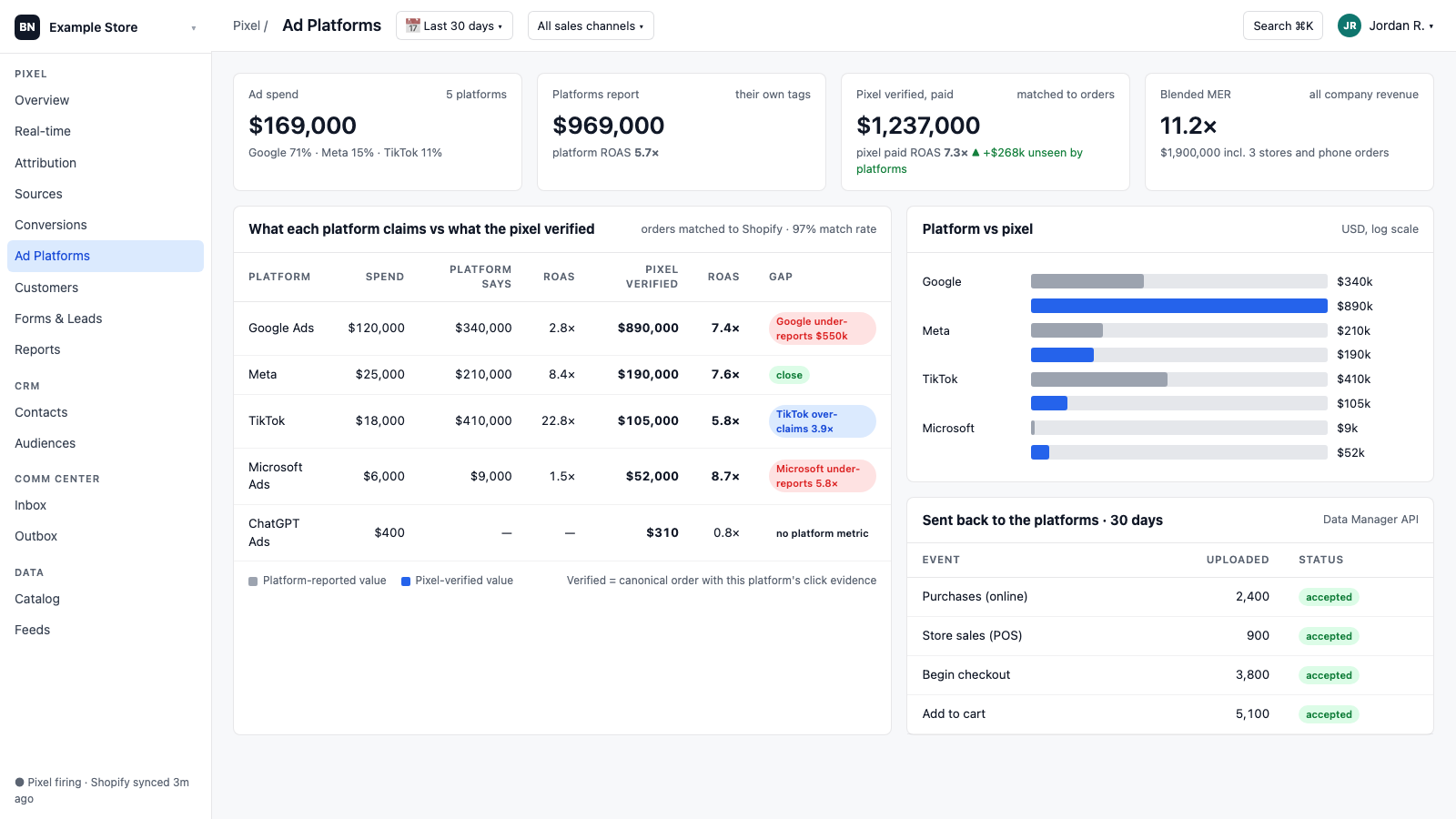
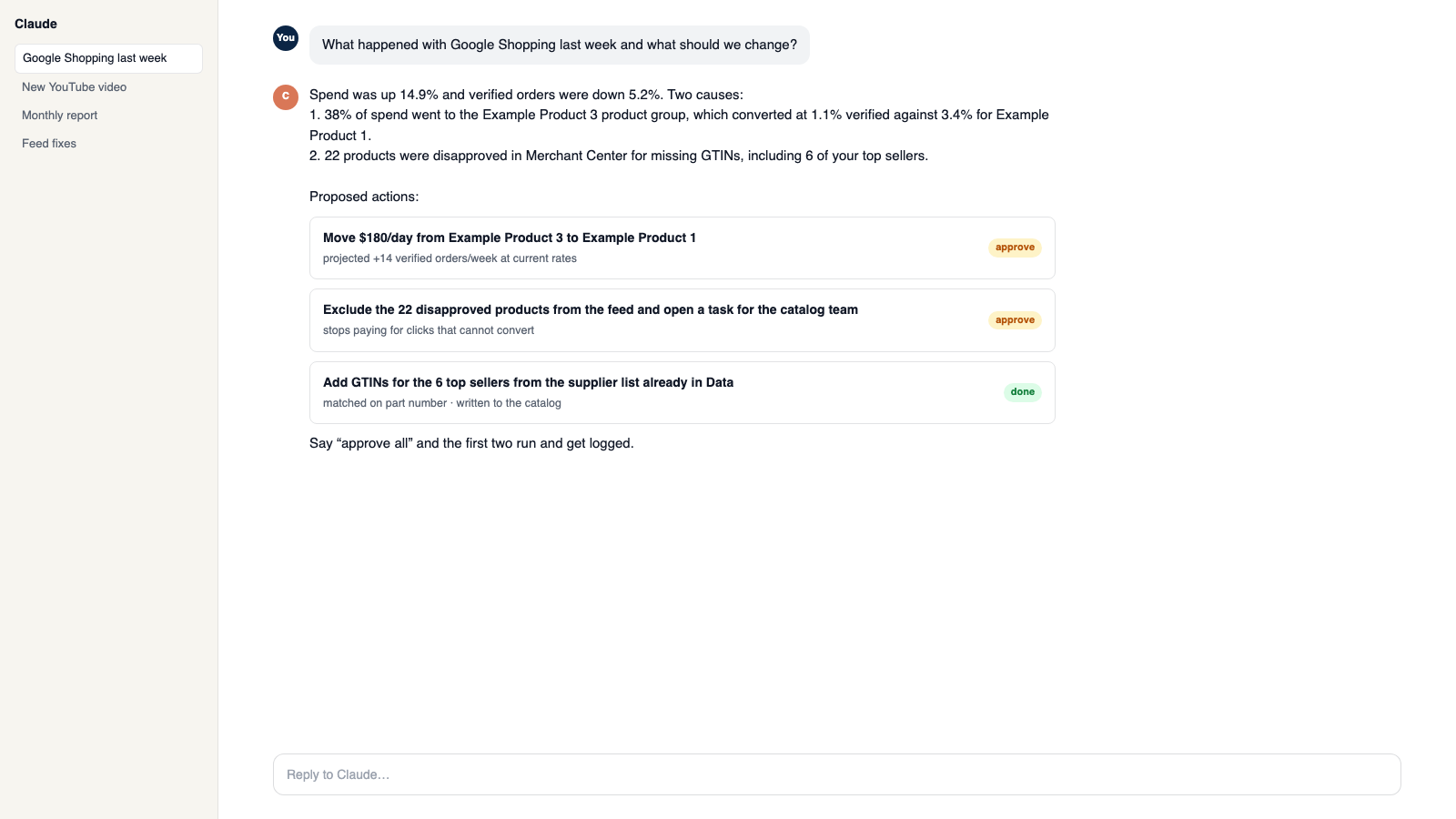
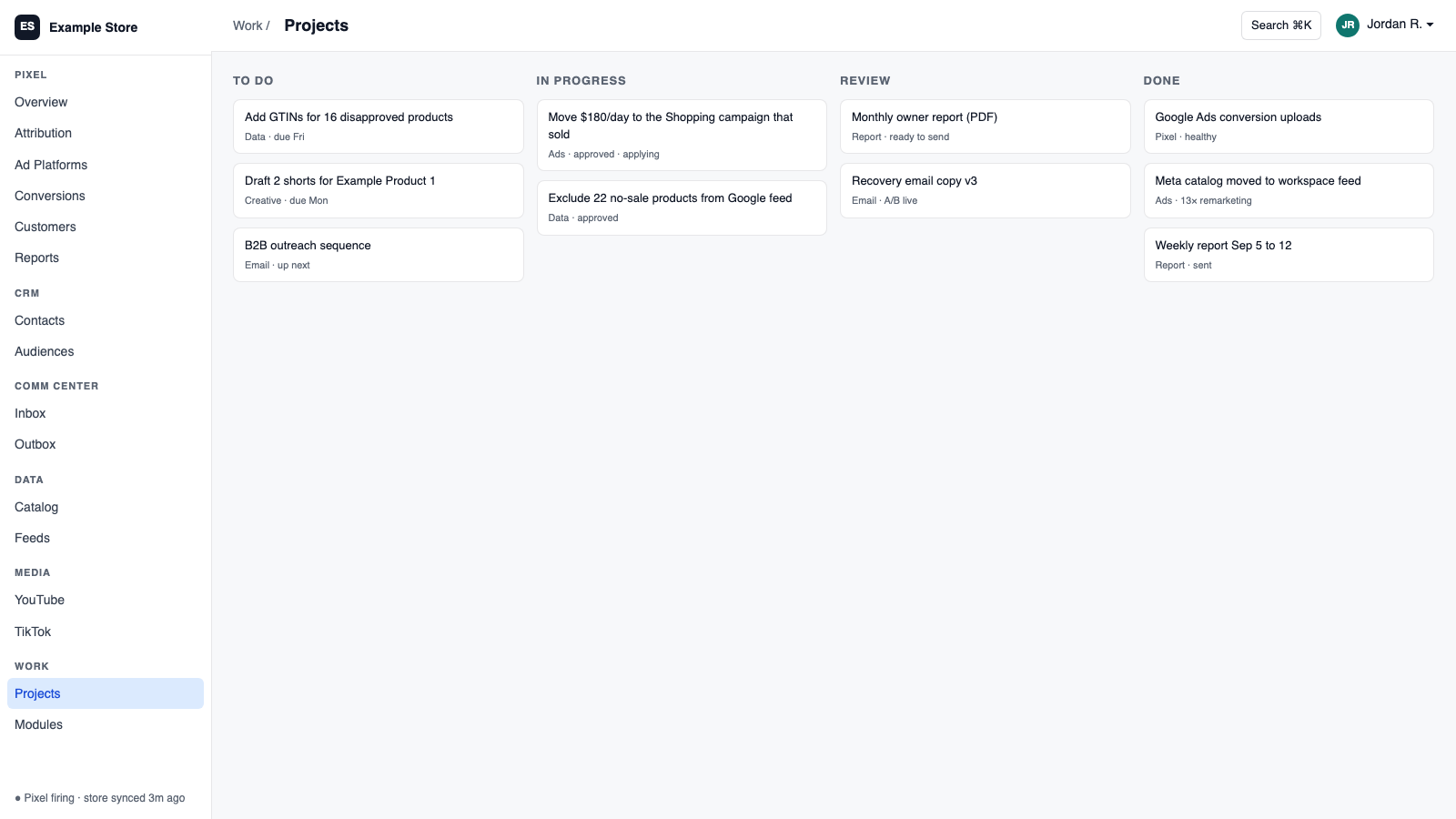
The five things Google Search Console does for you
1
All your organic history, kept
Backfills everything Google has and adds each day, with page, query, country, and device detail.
2
Ranked fixes, not a wall of data
Evidence-based SEO opportunities you accept, then the store or CMS module applies them with its own approvals.
3
See how Google sees a page
Inspect any page to check how it is indexed.
4
Sitemaps under control
Submit, delete, and monitor sitemaps from one place.
5
Honest AI search reporting
Readiness checks for AI search, with no traffic labeled as AI unless Google says so.
How you use it
You say to Claude or ChatGPT
“Which pages lost search clicks this month and what should we fix first?”
What comes back
- All your organic history, kept. Backfills everything Google has and adds each day, with page, query, country, and device detail.
- Ranked fixes, not a wall of data. Evidence-based SEO opportunities you accept, then the store or CMS module applies them with its own approvals.
- See how Google sees a page. Inspect any page to check how it is indexed.
Works with
Modules that pair well with Google Search Console.
Pixel Analytics
Your own visitor and order data. See who is buying, group customers by behavior, send verified sales to your ad platforms, and get full reports.
Shopify
Orders and customers in real time, one-search customer context, storefront pop-ups and discounts with margin checks, and back-in-stock emails.
BigCommerce
Orders and customers by webhook, one-search customer context, automatic attribution and lifetime value, and server-side checkout fees.
Google Ads
Send verified sales back to Google, pull spend for real ROAS, and change budgets and bids from Orkie with safety caps.
AI Assistant
Private chat grounded in your own data, with sources. Set its voice, control what it does, and approve every change it prepares.
Workspace MCP
Connect your own assistant to Orkie. Ask questions, change ad budgets with one yes, match videos to products, and handle email.
Make it yours
Customize the workspace.
Google Search Console is one module. Add the others you need, talk to all of them from Claude or ChatGPT, or ask for one that does not exist yet.
Connect Claude or ChatGPT
Talk to the workspace in plain English. Ask for reports, changes and builds. Everything it changes waits for your yes.
Add modules from the catalog
Pixel, ads, feeds, email, CRM, inbox, video, finance. Install what you need; each one shares data with the rest.
Build a custom module
A dealer portal, a fitment checker, an ERP link, your own Shopify app. Describe it and it gets built into your workspace.
Questions
About Google Search Console
Can it edit my website?
No. Accepted fixes go to the store or CMS module, which applies them with its own approvals.
How many properties can I connect?
One Search Console property per workspace.
Can the assistant use it?
Yes. It can read performance and opportunities, and start an approved sync or sitemap submission.
See Google Search Console on your own data.
Talk to us and we will show this module running on your business, not a sample account. Call 1-877-ORKIE-15.