Advertising
Real sales back to Microsoft and tracking fixed automatically
Microsoft Ads connects Microsoft Advertising accounts. It keeps a local copy of spend and conversions for ROAS, sends conversions back with corrections when orders change, repairs missing tracking after a preview, and lets you edit campaigns, budgets, and keywords. Nothing is lost when an account disconnects.
Best for: Advertisers on Bing and Microsoft who want it measured and managed with their other channels.
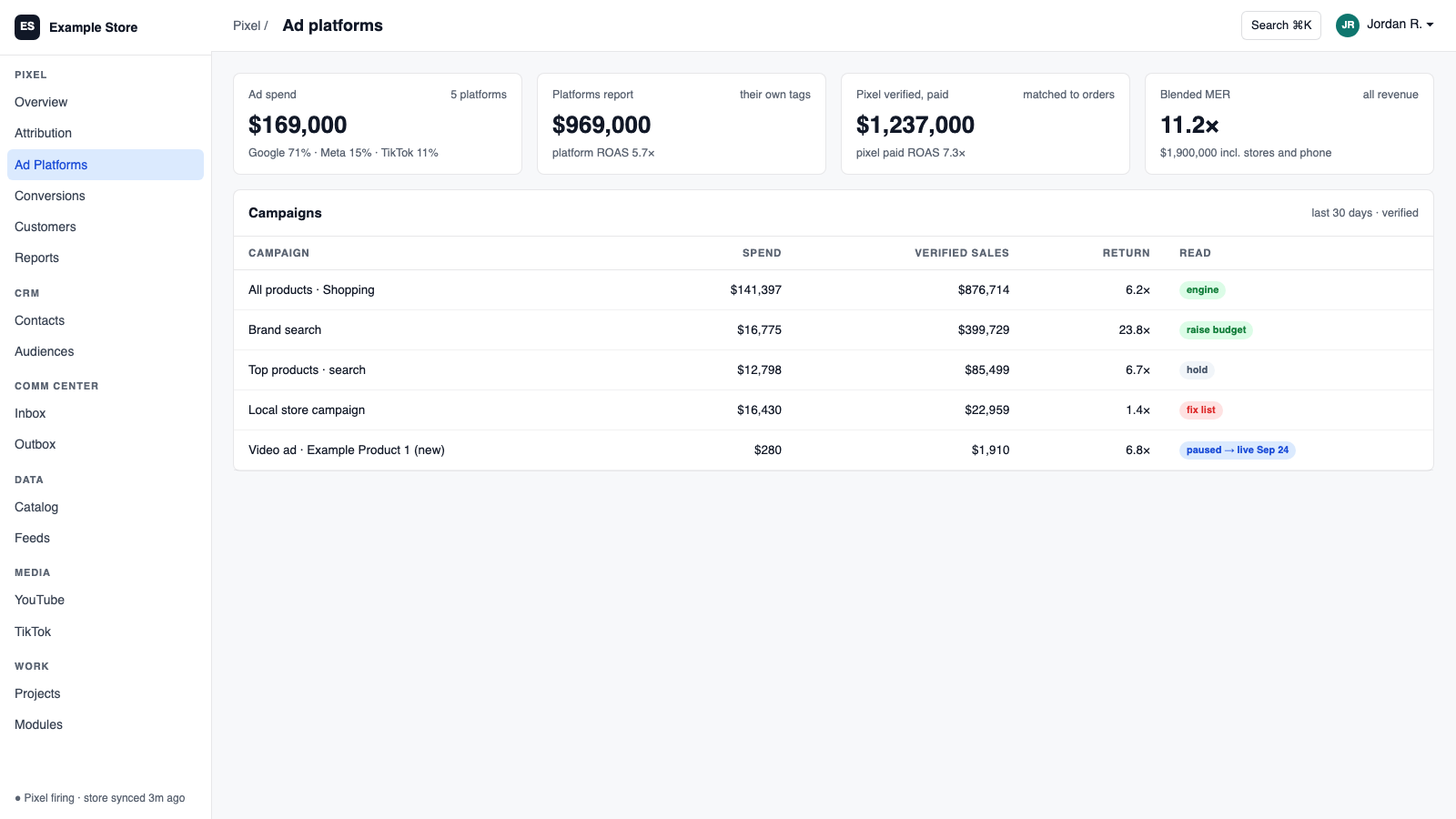
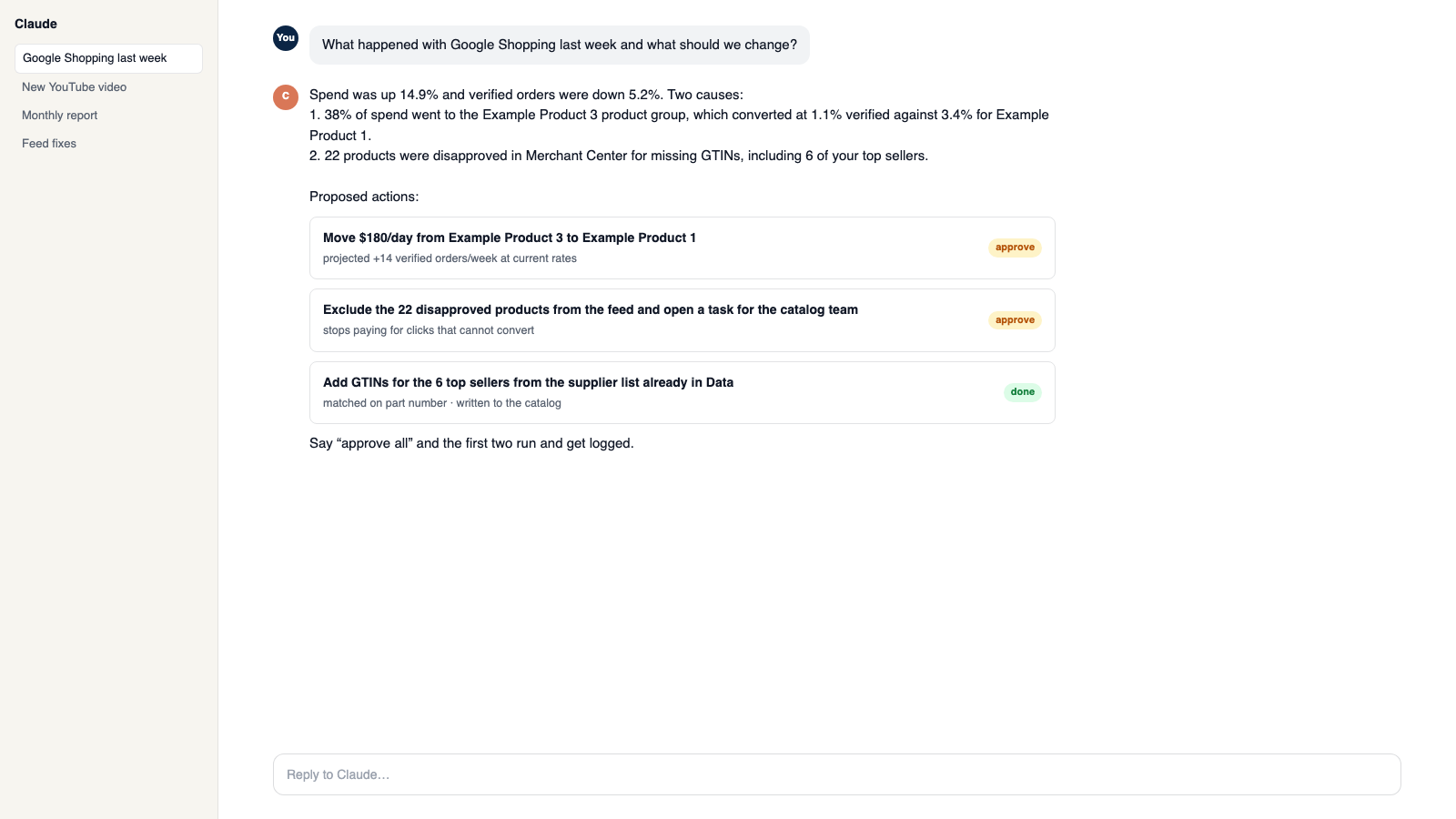
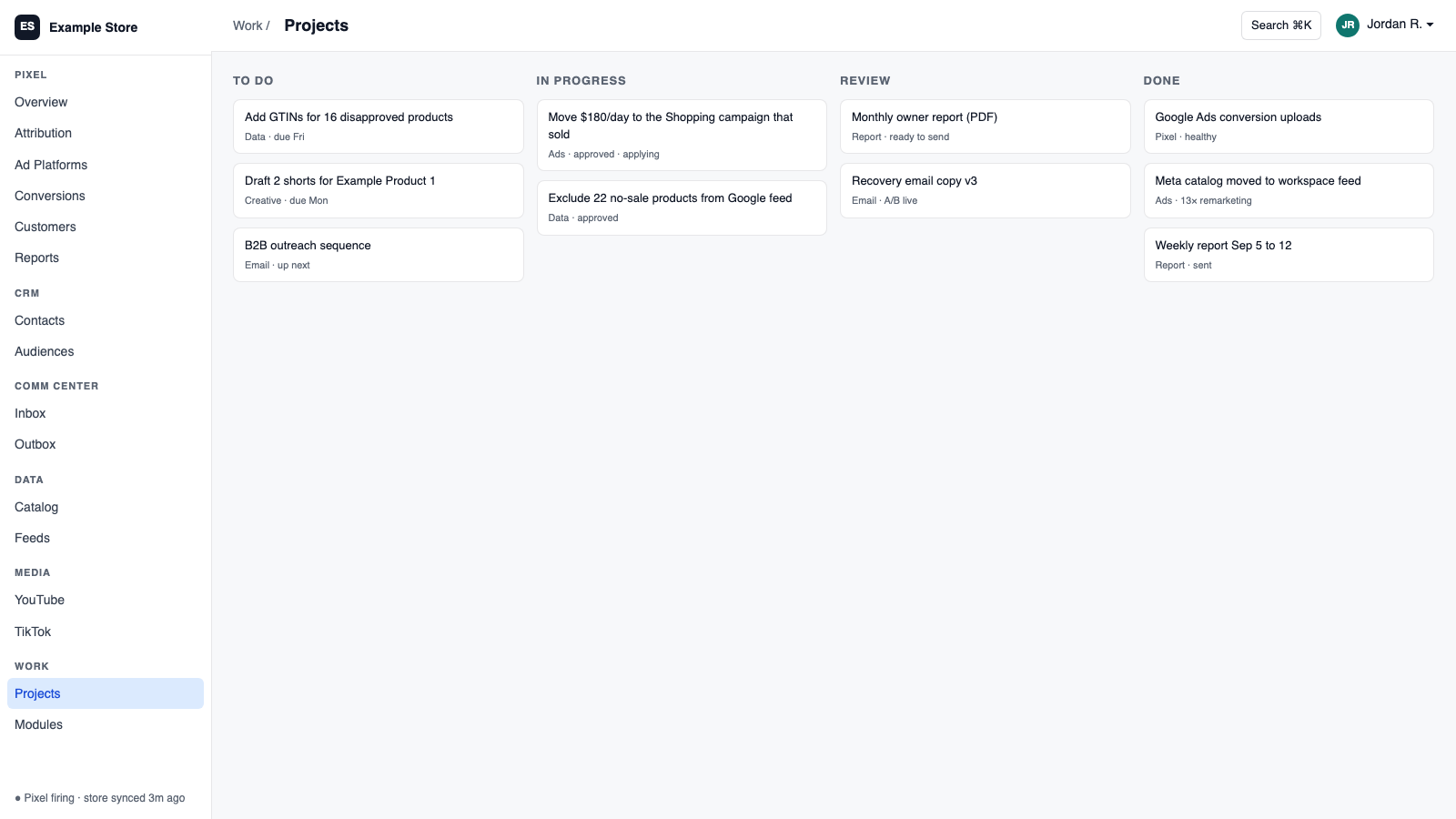
The five things Microsoft Ads does for you
1
Real sales back to Microsoft
Send conversions to the goals you choose, including corrections when orders are refunded.
2
Spend and conversions for ROAS
Daily spend across Search, Shopping, Audience, and Performance Max, synced on your schedule.
3
Tracking repaired with a preview
Scan for missing tracking, preview every change, and never overwrite what you wrote.
4
Edit campaigns and keywords
Names, status, budgets, bidding, bulk keywords, and negatives.
5
Nothing lost on disconnect
Queued uploads resume after reconnect, and unattributed sales wait for their click.
How you use it
You say to Claude or ChatGPT
“Fix the campaigns with broken tracking and show me the preview first.”
What comes back
- Real sales back to Microsoft. Send conversions to the goals you choose, including corrections when orders are refunded.
- Spend and conversions for ROAS. Daily spend across Search, Shopping, Audience, and Performance Max, synced on your schedule.
- Tracking repaired with a preview. Scan for missing tracking, preview every change, and never overwrite what you wrote.
Works with
Modules that pair well with Microsoft Ads.
Pixel Analytics
Your own visitor and order data. See who is buying, group customers by behavior, send verified sales to your ad platforms, and get full reports.
Google Ads
Send verified sales back to Google, pull spend for real ROAS, and change budgets and bids from Orkie with safety caps.
Data Pipeline
Bring in spreadsheets and live sources, clean them as they arrive, and send them anywhere. It is the engine under your AI data catalog feeds and your assistant's product knowledge.
Workspace MCP
Connect your own assistant to Orkie. Ask questions, change ad budgets with one yes, match videos to products, and handle email.
Make it yours
Customize the workspace.
Microsoft Ads is one module. Add the others you need, talk to all of them from Claude or ChatGPT, or ask for one that does not exist yet.
Connect Claude or ChatGPT
Talk to the workspace in plain English. Ask for reports, changes and builds. Everything it changes waits for your yes.
Add modules from the catalog
Pixel, ads, feeds, email, CRM, inbox, video, finance. Install what you need; each one shares data with the rest.
Build a custom module
A dealer portal, a fitment checker, an ERP link, your own Shopify app. Describe it and it gets built into your workspace.
Questions
About Microsoft Ads
Will it double-count conversions?
You choose which tag owns the browser side, and server sends are blocked while duplicate goals exist.
Is spend synced automatically?
Only if you turn on the schedule. There is also a Run Sync Now button.
Does it report in detail?
Yes. Dozens of reviewed report types plus live performance down to search term.
See Microsoft Ads on your own data.
Talk to us and we will show this module running on your business, not a sample account. Call 1-877-ORKIE-15.