Customer Communication
Your Gmail inside the shared inbox, with you in control
Gmail connects your mailbox with Google sign-in, so no password is stored. Recent mail syncs in automatically and you can send and draft from the platform with proper threading and verified aliases. Four switches decide what the Communications Center may do, and bounces show on the conversation within a minute.
Best for: Teams that run customer email on Gmail and want it in one shared inbox without giving up control.
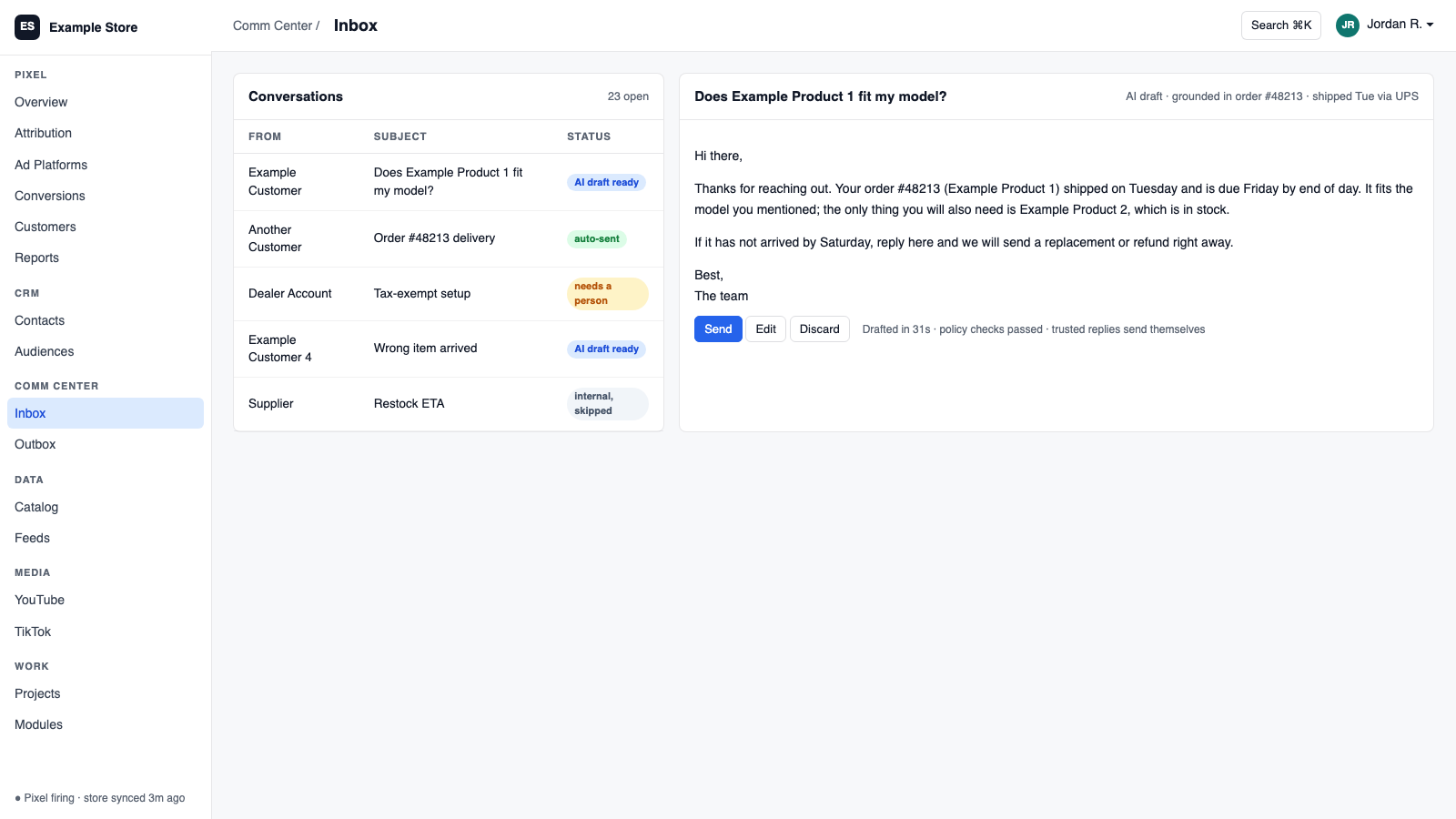
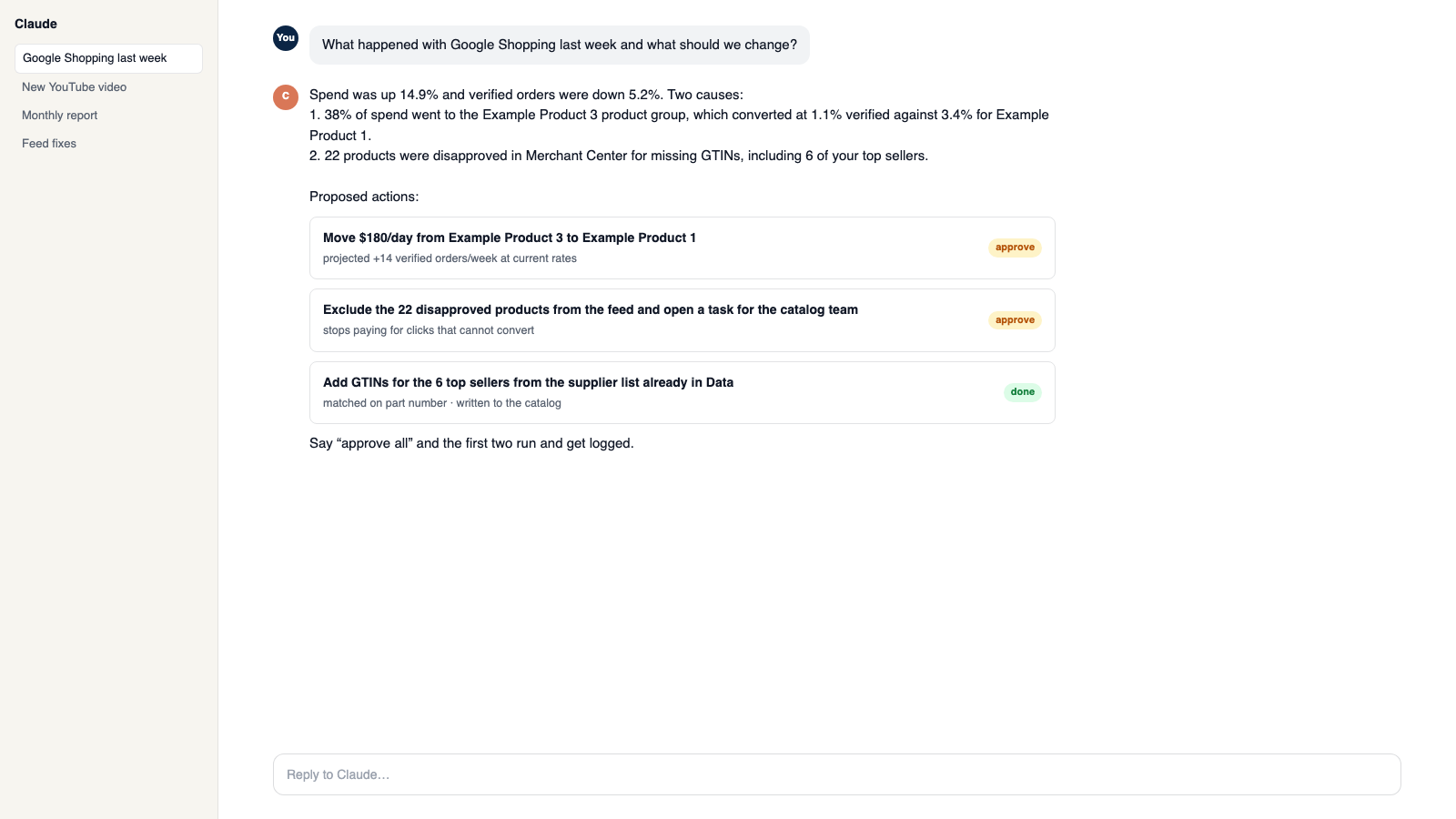
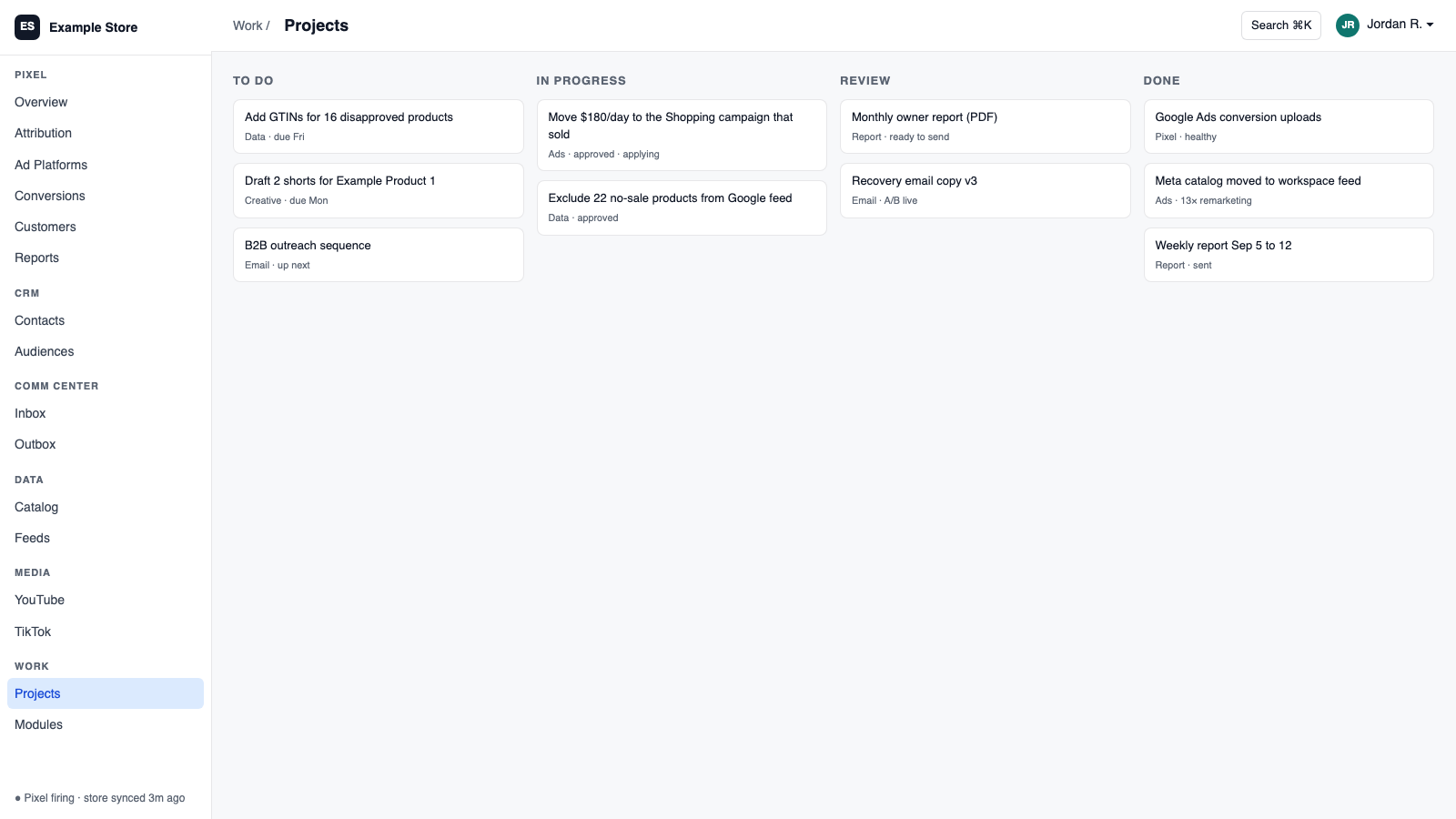
The five things Gmail does for you
1
Connect in seconds, no password stored
Google sign-in with a plain Connected health status.
2
Mail syncs in on its own
Recent mail arrives automatically, with a full history import on request.
3
Replies stay threaded
Send and draft from the platform with verified aliases and attachments, and the customer sees one conversation.
4
You decide what the inbox may do
Separate switches for read, sync, draft, and send. Sharing with teammates is a separate choice.
5
Bounces reported back
Delivery failures appear on the conversation within about a minute.
How you use it
You say to Claude or ChatGPT
“Reply to the supplier email from this morning and confirm the delivery date.”
What comes back
- Connect in seconds, no password stored. Google sign-in with a plain Connected health status.
- Mail syncs in on its own. Recent mail arrives automatically, with a full history import on request.
- Replies stay threaded. Send and draft from the platform with verified aliases and attachments, and the customer sees one conversation.
Works with
Modules that pair well with Gmail.
Communications Center
Email, support tickets, and social comments in one shared inbox. AI drafts replies in your voice, and you decide what sends itself.
CRM
One customer record built from your site, store, and inbox. Find good prospects, group them by what they did, and email them with consent checked.
Workspace MCP
Connect your own assistant to Orkie. Ask questions, change ad budgets with one yes, match videos to products, and handle email.
Slack
Route platform events to Slack channels with one-click recipes, test each rule, and ask the platform questions from Slack.
Make it yours
Customize the workspace.
Gmail is one module. Add the others you need, talk to all of them from Claude or ChatGPT, or ask for one that does not exist yet.
Connect Claude or ChatGPT
Talk to the workspace in plain English. Ask for reports, changes and builds. Everything it changes waits for your yes.
Add modules from the catalog
Pixel, ads, feeds, email, CRM, inbox, video, finance. Install what you need; each one shares data with the rest.
Build a custom module
A dealer portal, a fitment checker, an ERP link, your own Shopify app. Describe it and it gets built into your workspace.
Questions
About Gmail
Is my password stored?
No. It uses Google sign-in.
Can Claude or ChatGPT use it?
Reads run immediately. Sending, replying, or drafting goes through an approval screen.
How far back does it sync?
About 14 days at first, then incrementally. A full history import is available.
See Gmail on your own data.
Talk to us and we will show this module running on your business, not a sample account. Call 1-877-ORKIE-15.