Advertising
Real sales back to ChatGPT Ads, with spending limits
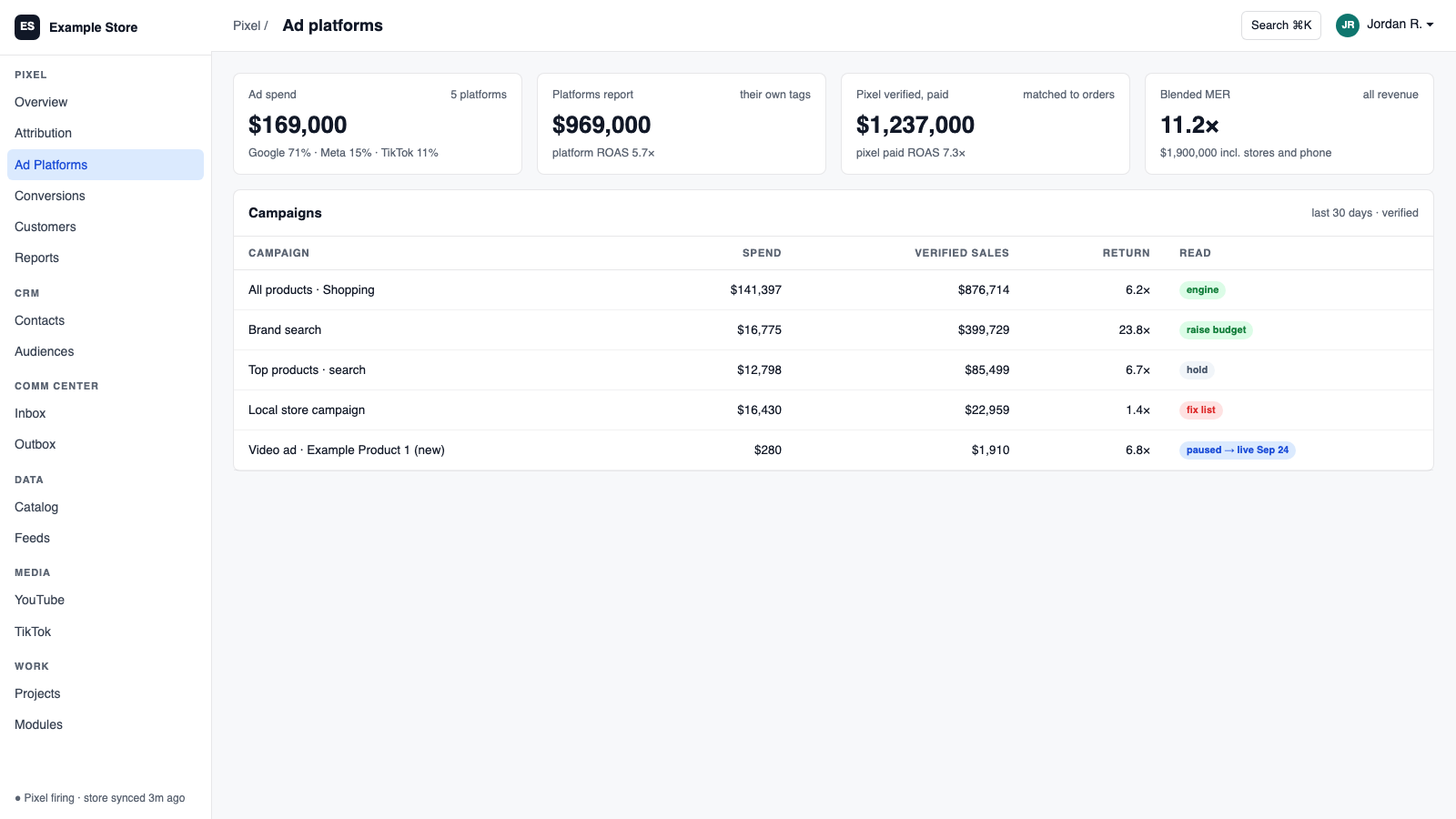
ChatGPT Ads connects with a single key. You see spend, impressions, and clicks, create and pause campaigns with a budget cap, and send verified, consented sales to OpenAI so it learns from real orders. Spend syncs to Pixel for ROAS, and shopping ads run off your AI data catalog feed.
Best for: Early movers who want ChatGPT Ads measured and controlled like every other channel.
The five things ChatGPT Ads does for you
1
Real sales back to OpenAI
Verified, consented orders are forwarded automatically after a validate-only test.
2
Spend against revenue
Spend syncs to Pixel so ROAS lines up with your other channels.
3
Campaigns that start paused
Create, pause, and activate campaigns. New ones are paused until you say go.
4
Money guardrails
Budget caps and a master switch. Anything over the cap is blocked.
5
Shopping ads from your catalog
Product ads use your AI data catalog feed.
How you use it
You say to Claude or ChatGPT
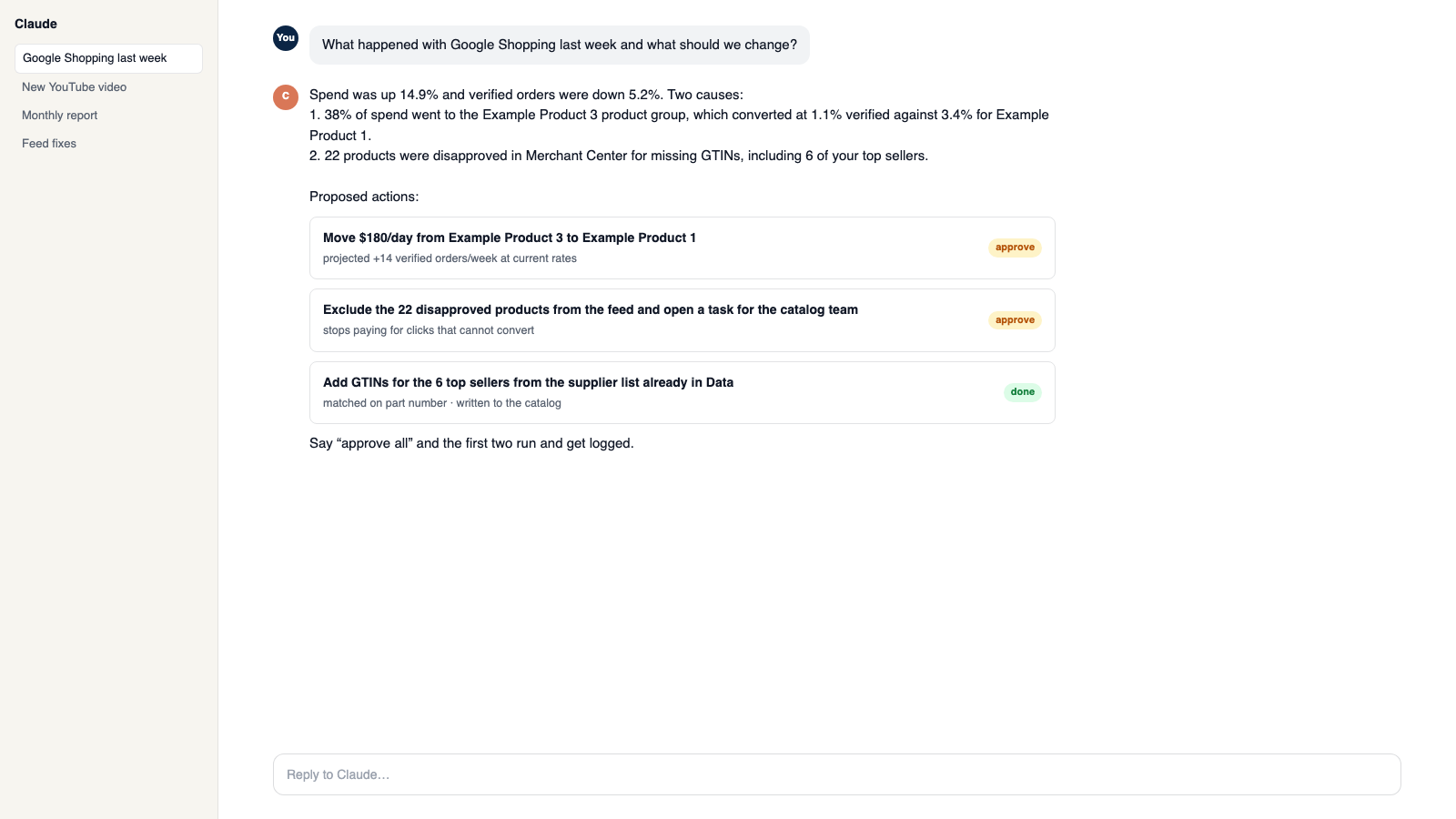
“Turn on the new campaign but keep it under the cap and tell me tomorrow how it did.”
What comes back
- Real sales back to OpenAI. Verified, consented orders are forwarded automatically after a validate-only test.
- Spend against revenue. Spend syncs to Pixel so ROAS lines up with your other channels.
- Campaigns that start paused. Create, pause, and activate campaigns. New ones are paused until you say go.
Works with
Modules that pair well with ChatGPT Ads.
Pixel Analytics
Your own visitor and order data. See who is buying, group customers by behavior, send verified sales to your ad platforms, and get full reports.
Data Pipeline
Bring in spreadsheets and live sources, clean them as they arrive, and send them anywhere. It is the engine under your AI data catalog feeds and your assistant's product knowledge.
Google Ads
Send verified sales back to Google, pull spend for real ROAS, and change budgets and bids from Orkie with safety caps.
Workspace MCP
Connect your own assistant to Orkie. Ask questions, change ad budgets with one yes, match videos to products, and handle email.
Make it yours
Customize the workspace.
ChatGPT Ads is one module. Add the others you need, talk to all of them from Claude or ChatGPT, or ask for one that does not exist yet.
Connect Claude or ChatGPT
Talk to the workspace in plain English. Ask for reports, changes and builds. Everything it changes waits for your yes.
Add modules from the catalog
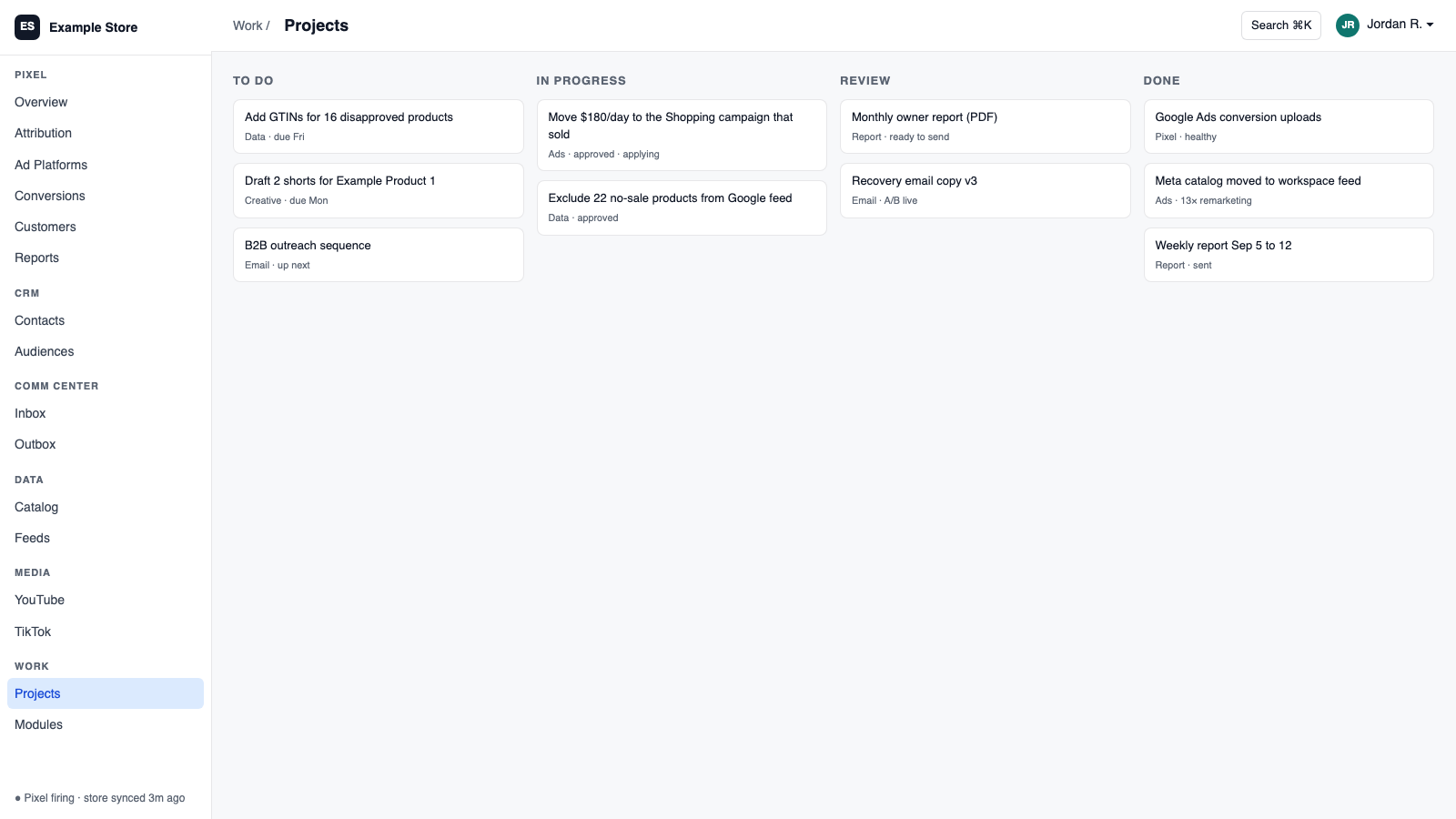
Pixel, ads, feeds, email, CRM, inbox, video, finance. Install what you need; each one shares data with the rest.
Build a custom module
A dealer portal, a fitment checker, an ERP link, your own Shopify app. Describe it and it gets built into your workspace.
Questions
About ChatGPT Ads
How do I connect?
Paste one key on the Account page. One key is one ad account.
Can the assistant change campaigns?
It can read spend and insights. Creating or pausing a campaign needs approval.
Should I add tracking to feed links?
No. The same feed serves organic, so paid and organic clicks label themselves.
See ChatGPT Ads on your own data.
Talk to us and we will show this module running on your business, not a sample account. Call 1-877-ORKIE-15.